Your school runs on ERP SchoolAura. That's why your app knows your day.
ERP SchoolAura is the system schools use to manage classes, attendance, homework, exams, fees and communication. The SchoolAura app is the student and parent side of that very same system.
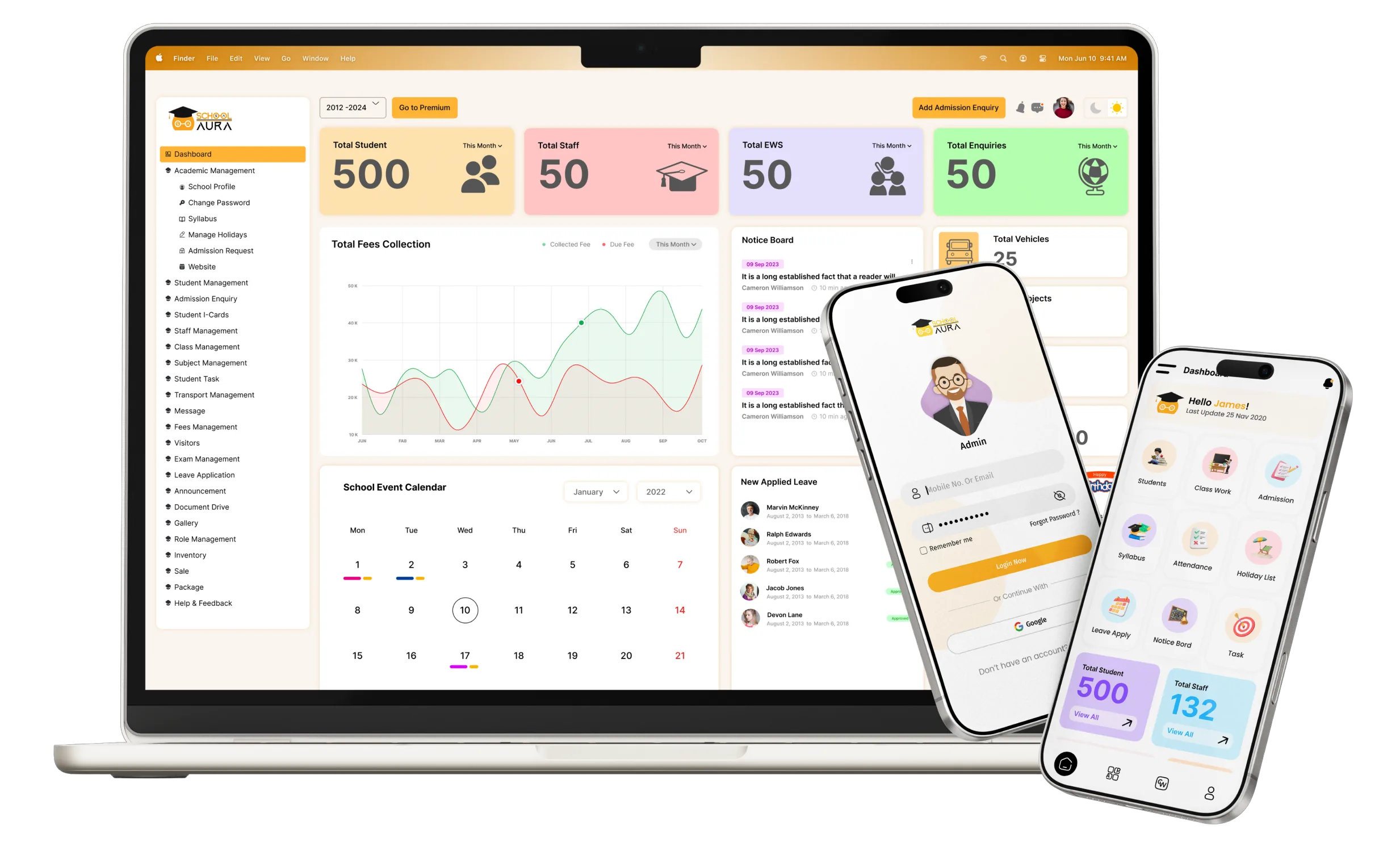
One system, two sides.
Teachers and school staff work in ERP SchoolAura. Students and parents see the results in the SchoolAura app, and some things travel back the other way.


Teacher marks students' attendance
Your attendance calendar

Teacher posts homework
Home Work, Class Work and Worksheets

Teacher plans the syllabus
Syllabus, by subject

School posts a notice
Notice Board

School prepares the date sheet
Date Sheet and Admit Card

School publishes results
Results and score cards

School sets the fees
Fee dues and receipts

School assigns transport
Your bus, stop and driver

Your school reviews and approves it
You apply for leave

Your teacher replies
You send a message
Your school receives the payment
You pay fees online*
Because both sides share one system, nothing is copied or re-typed in between. When your school updates a record, your app shows it.
* Where your school offers online payment.
What your school does with SchoolAura.


Classes and timetables
Schools set up classes, subjects and each class's weekly schedule, which is where your Daily Bag Pack comes from.
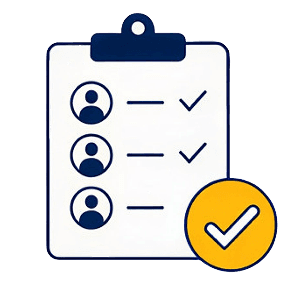

Student attendance, marked in class
Your teacher marks each student present, absent or on leave in ERP SchoolAura. You and your parents then see that day in your attendance calendar in the SchoolAura app.


Homework and syllabus
Teachers post homework, class work and worksheets with files, and plan the syllabus for every subject.
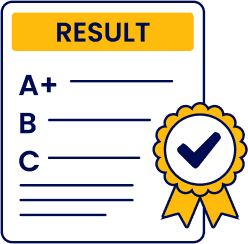

Exams, from start to finish
Schools prepare date sheets and admit cards, enter marks and publish results.
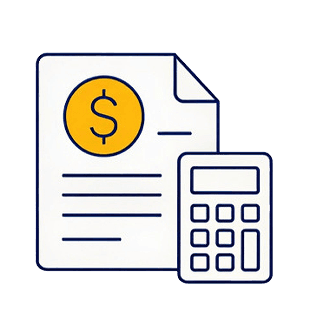

Fees and receipts
Schools set fee structures, issue receipts, and can switch on online payment.

Notices, messages and leave
Schools post notices, talk to students and parents, and approve leave requests.
And much more on the school's side, from admissions and transport to staff management.
What you get because your school uses ERP SchoolAura.
For students
- Official information: the attendance, homework and exam details you see are the same ones your teachers enter at school.
- Less chasing: whatever your teacher posts shows up in your app.
- A way to reply: ask your teachers, apply for leave, and see the response.
- Your record, visible: check your attendance and leave whenever you like.
For parents
- One trusted source: no more second-hand updates or lost notes.
- Fewer trips to school: check fees, print receipts and apply for leave from home.
- A line to the teacher: message the school right from the app.
- Every child, every school: one login for all your children.
Your school creates your SchoolAura account
and can e-mail your login details to you. Can't log in? Use Forgot Password in the app, or ask your school office.SchoolAura shows, your school decides.
Marks, attendance, fees and notices are managed by your school. If something looks wrong, your school can correct it.Teachers and schools are part of SchoolAura too.
Teachers
Mark students' attendance, post homework, share files and reply to messages, on the web or with the ERP SchoolAura app.


Schools
Run admissions, classes, exams, fees, transport and communication in ERP SchoolAura, and even offer students the school's own branded app.
Parents choosing a school
Many schools on ERP SchoolAura have a free public profile with facilities, fee structure and an admission enquiry form.
Looking for school management software?
ERP SchoolAura has its own website for school owners, principals and staff, with full details, demos and sign-up.

Now see it from the student's side.
Explore everything the SchoolAura app does for students and parents.
