Learn, grow and achieve, every step of the way.
Courses, practice exams and a Daily Quiz for school students. Pick your class to see what SchoolAura has for it.

Start with your class.
Choose a stage to see what matters at that age, then open your class.
A gentle start, guided by you.
At this age you choose what to explore and when. Open your child's class to see what is listed for it today.
Courses and practice exams open after you log in.
Play
No courses listed yet
Pre-Nursery
No courses listed yet
Nursery
No courses listed yet
KG
No courses listed yet
LKG Class
No courses listed yet
UKG Class
No courses listed yet
1st Class
No courses listed yet
2nd Class
No courses listed yet
What helps at this stage
See what's available for their class
Each class shows how many courses are listed for it right now, so you know before you start.
How courses workFollow the school day
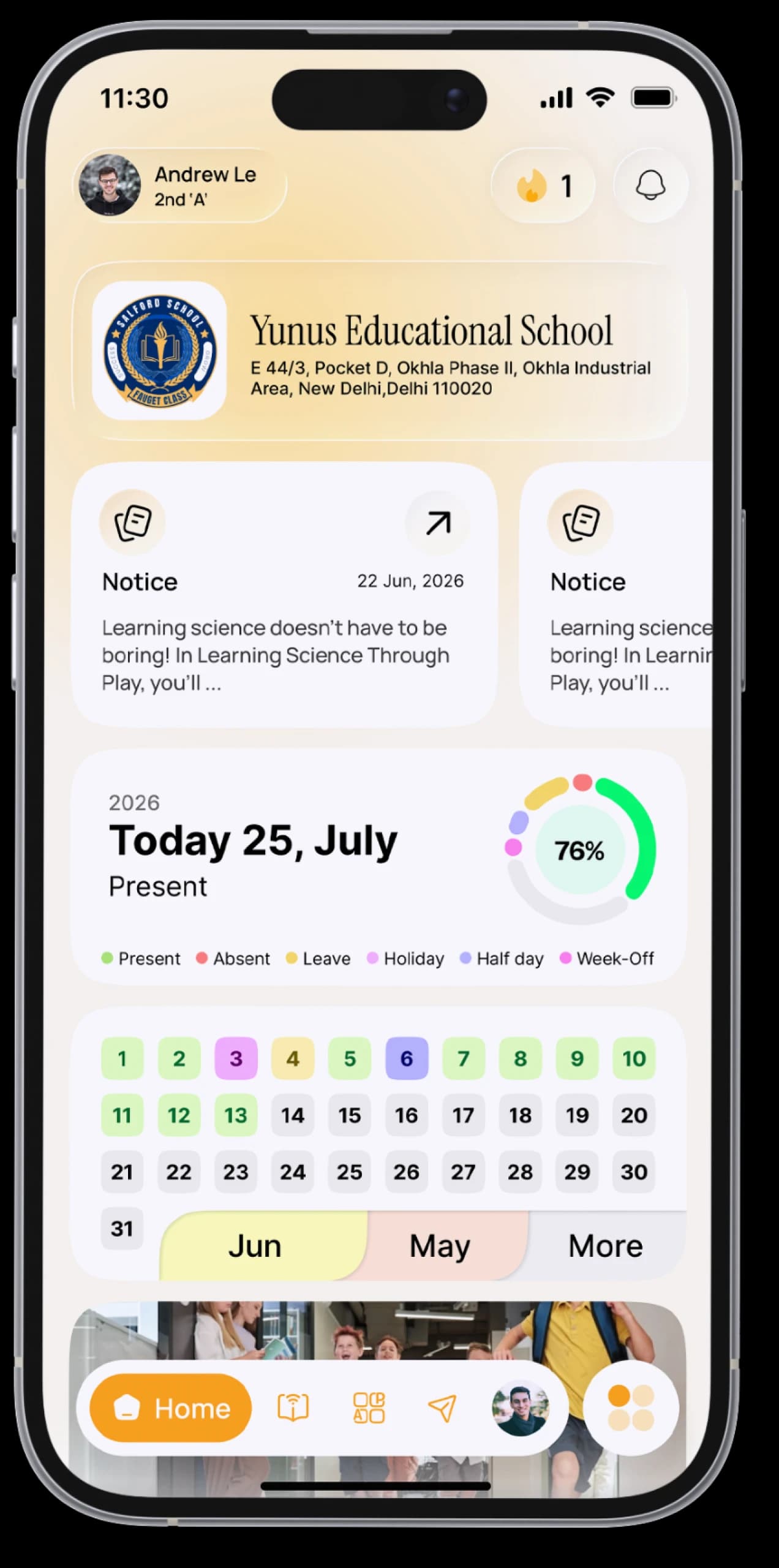
If their school uses ERP SchoolAura, log in as a parent to see homework, notices and attendance.
For parentsYou decide on Prime
Prime is bought by a parent or guardian: one payment, with no automatic renewal.
What's in Prime
Help for every part of school.
Start from what you need. Each one is a part of SchoolAura you can use today.










One chapter leads to the next.
Courses, chapter quizzes, practice exams and the Daily Quiz sit in the same app, so each step takes you straight to the next.
All of it lives in the app you already use for school, with no extra logins. SchoolAura adds to what happens in the classroom; it doesn't replace your teachers.
News that affects your class.
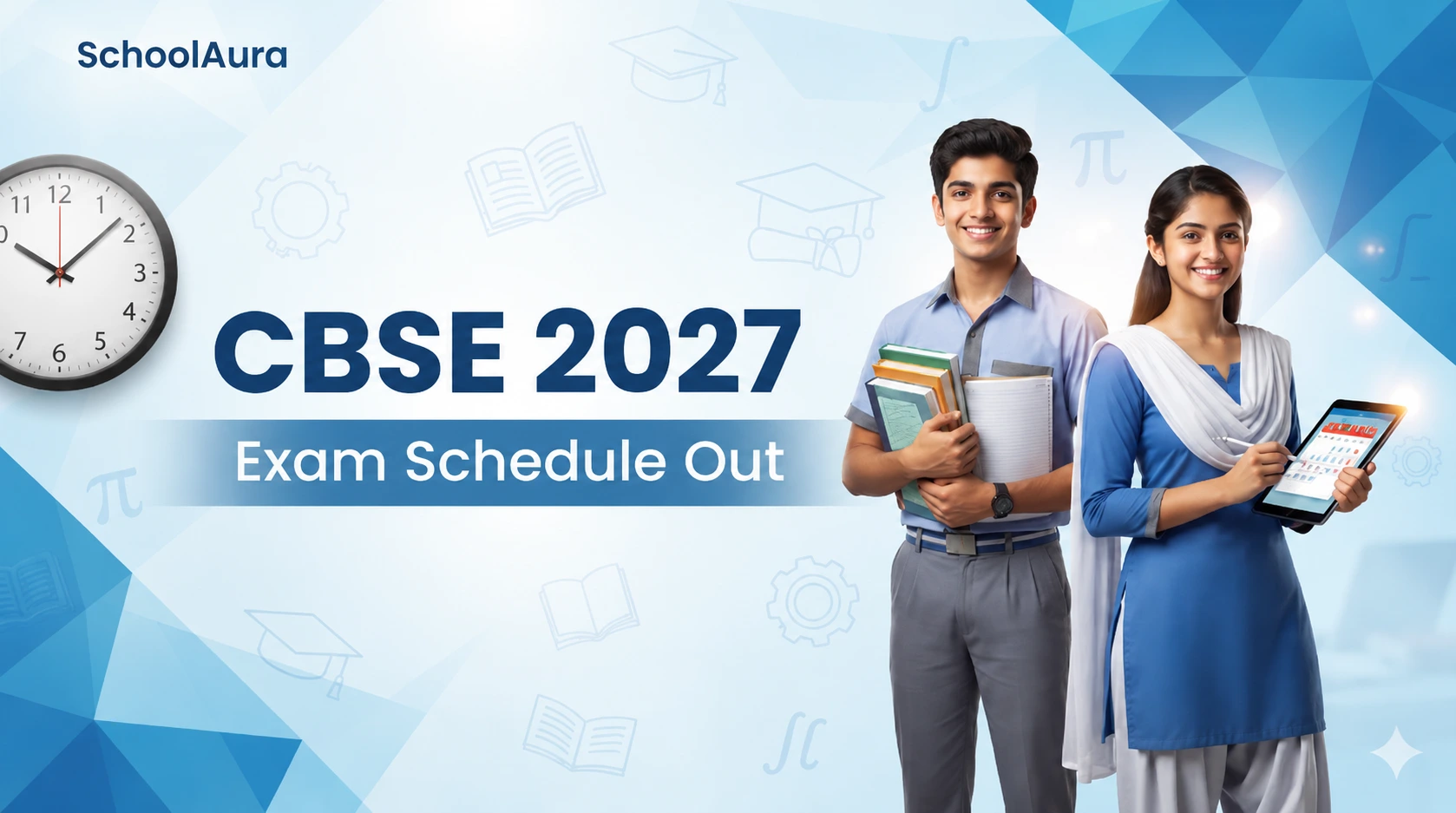
Notices from the government and exam boards, and other news that matters to school students, explained on the SchoolAura blog. Your own school's notices stay in the app.
Parents, you're part of this too.
If your child's school uses ERP SchoolAura, log in as a parent with the mobile number the school has on record, pick a child, and see what they see: homework, notices, attendance, fees and teachers.
If it doesn't, your child can create their own account and browse every course for free. Prime, for courses and practice, is bought by a parent or guardian as a one-time payment with no automatic renewal.

What's free. What's Prime.
Browsing is free. Prime unlocks the learning features. Here's exactly which is which.
Free with your school
- Homework, class work, worksheets and syllabus
- Attendance, leave and holidays
- Notices and notifications
- Date sheet, admit card and results
- Messages with teachers and school staff
- Fees, receipts and online payment (where your school offers it)
- Transport details, Document Drive and Gallery
- Browsing all courses
With SchoolAura Prime
- Enrol in courses: lessons, study material and chapter quizzes
- Practice exams and mock tests
- Daily Quiz and competitive exams, with leaderboards and prizes
- Chat with classmates and create study groups
- Share files with classmates
Prime plans and prices are shown in the app.
What's in PrimeQuick answers.
Start with your class today.
Create a free account, choose your class and see what's waiting.