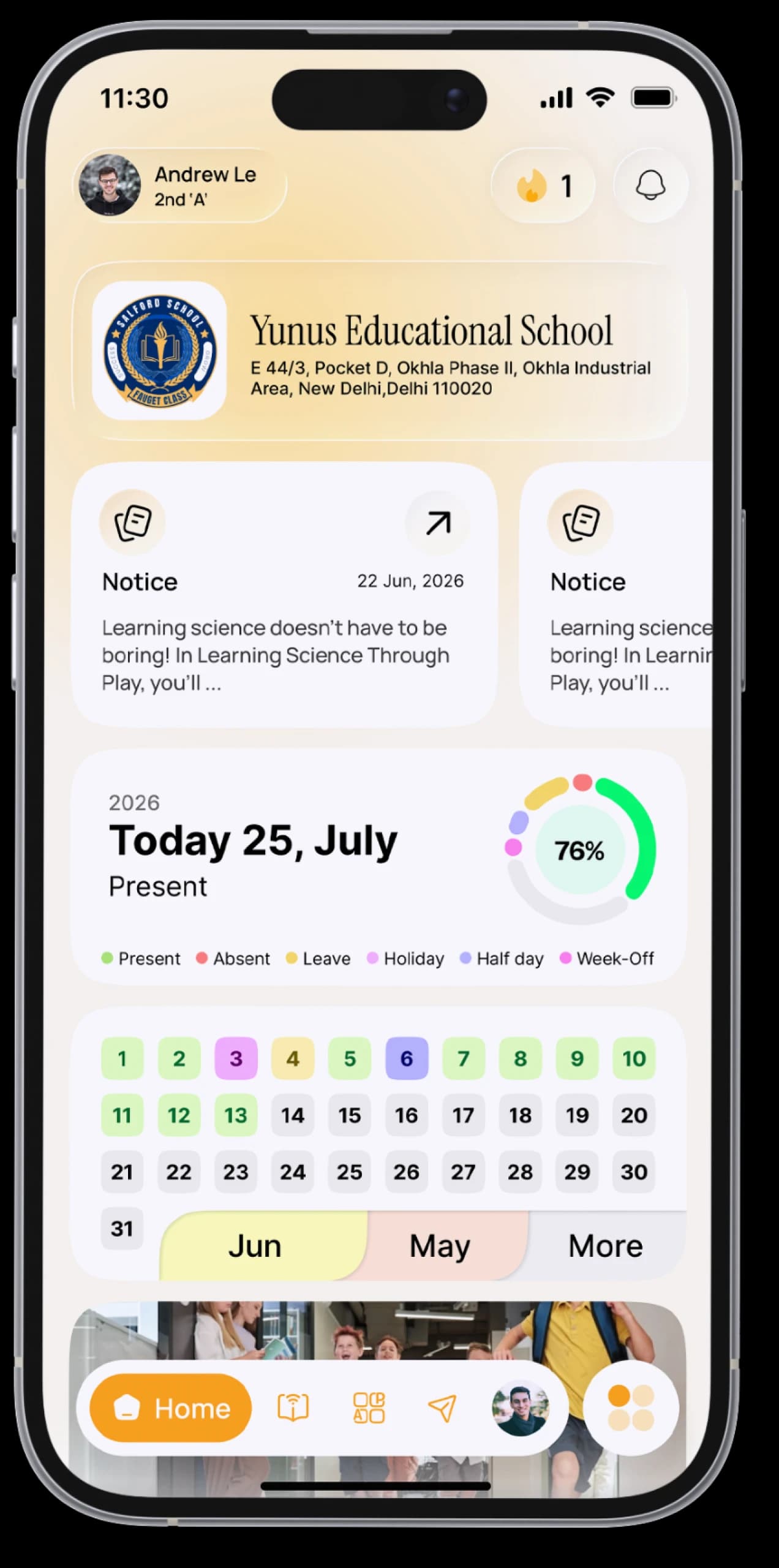
Learn at your own pace.
Video lessons, study material you can download, quizzes for every chapter and a place to ask questions. Browse for free, and enrol with SchoolAura Prime.

The everyday problem
Learning videos online are scattered, full of distractions, and rarely come with practice.
How SchoolAura helps
Every course is organised into chapters, with lessons, material and a quiz for each one, all inside the app you already use for school.
Made for your day.
For students
- Browse and search courses, and filter by category, subject and language
- Save courses you like for later
- Enrol and watch the lesson videosPrime
- Download study material for every lessonPrime
- Ask a question on any chapterPrime
- Take chapter quizzes, see your result, review the answers and try againPrime
- Rate and review the courses you take
For parents
- Unlock courses for your child with SchoolAura Prime
Simple, step by step.
- 01
Tap Learn.
- 02
Explore all courses or the newest ones, or search and filter.
- 03
Open a course to see its chapters and intro video.
- 04
Tap Enrol, then start your first lesson.
- 05
Finish a chapter, then take its quiz.
Small things, big difference.

Learn, then practise
Every chapter has a quiz.
Ask when you're stuck
A Q&A for every chapter.
Study material included
With every lesson.
Good to know
Your school doesn't use ERP SchoolAura? Create a free account to browse courses, and invite your friends with your referral code.More ways SchoolAura helps.


Practice Exams
PrimeTimed tests by category and subject, with instant results and an answer review.
Learn more

Daily Quiz & Competitive Exams
PrimeDaily competitions with a fresh set of questions every day, a class leaderboard, and prizes.
Learn more

SchoolAura Prime
One plan that unlocks every learning feature.
Learn moreYour next chapter starts here.
Download SchoolAura and log in with the details your school shared.