Compete, climb, win.
Take on the Daily Quiz and competitive exams: a fresh set of questions each day, a class leaderboard, and prizes for the top places when the results are announced.



The everyday problem
Practice is easy to skip when nobody's keeping score.
How SchoolAura helps
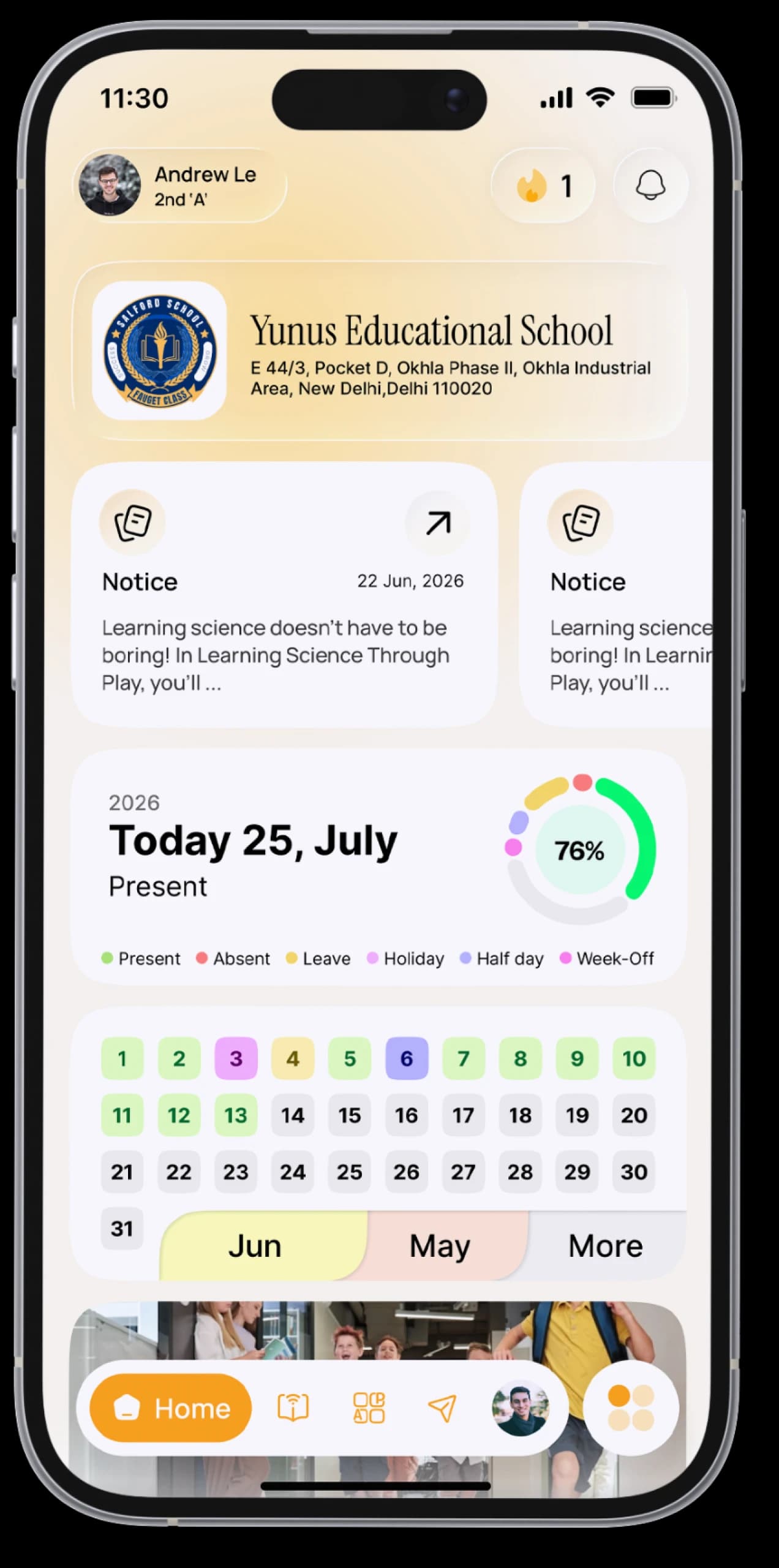
Every competition runs over several days. A new set of questions opens each day for a limited time, and when it ends, the results show your score, your rank and the class leaderboard. Find them on your Home screen, or under Exam → Competitive Exams.
Made for your day.
For students
- Accept a Daily Quiz invitation and take on the challenge
- Find every competition in one place under Exam → Competitive Exams, with Active and History tabs
- Answer each day's questions while they're open; your answers are saved as you go, even if your connection drops
- See the prizes before you begin
- When results are announced, see your score, points and rank
- Review every answer, day by day
- See the class leaderboard, and the top three right on your Home screen
For parents
- Unlock the Daily Quiz and competitive exams for your child with SchoolAura Prime
Simple, step by step.
- 01
When a new Daily Quiz invitation appears on Home, tap Start, or open Exam → Competitive Exams.
- 02
Come back each day while the day's questions are open.
- 03
Wait for the results announcement.
- 04
Open your result to see your rank, prize and the leaderboard, then review your answers.
Small things, big difference.

A daily habit
That takes just minutes.
Real competition
Climb your class leaderboard.
Prizes
For the top places.
Good to know
Prizes, dates and eligibility are set for each competition and shown in the app. The Daily Quiz and competitive exams are part of SchoolAura Prime.More ways SchoolAura helps.






Today's challenge is waiting.
Download SchoolAura and log in with the details your school shared.