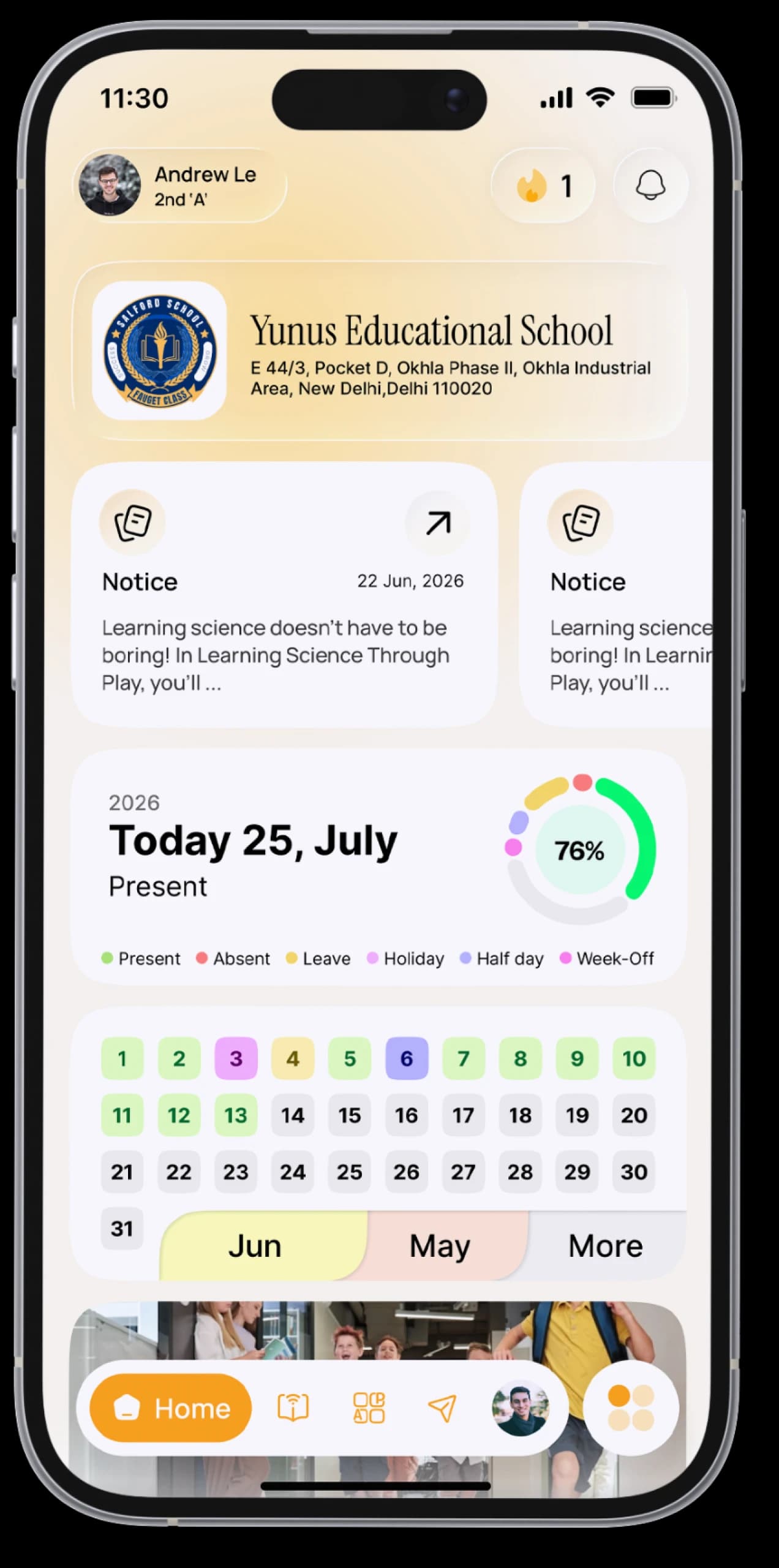
No school account? Start anyway.
Your school doesn't use ERP SchoolAura? Create your own SchoolAura account in minutes, explore for free, and unlock courses, practice exams, competitive exams, the Daily Quiz and study chats with SchoolAura Prime.
No school
Sign up yourself, even if your school doesn't use SchoolAura
OTP
Your mobile number or email is checked with a 6-digit code
5 steps
Quick set-up: photo, class, languages, career and interests
Free
Browse every course and watch the first lesson of each one
The everyday problem
Your school doesn't use ERP SchoolAura, so there's no account waiting for you. But you still want proper courses, real practice and a reason to study a little every day.
How SchoolAura helps
Sign up yourself with your mobile number or email. Browse every course for free, and when you're ready, a SchoolAura Prime plan unlocks all of SchoolAura's learning features in the same app.
Everything in one place.
Sign up in minutes
Enter your name, gender, a password and your mobile number or email, then type the 6-digit code we send you to verify your account.
Tell us your class or course
Pick your student type, then your class or course. Not listed? Choose Other and type it in.
Your goals and interests
Add your languages, what you want to become and 2 to 10 interests. You can skip any of these and change them later in Edit Profile.
Courses picked for you
Your Home screen shows Start With These Courses, based on the subjects you chose at sign-up, and Recommended for You.
Unlock more with Prime
A SchoolAura Prime plan lets you enrol in courses, start practice exams, join the Daily Quiz and competitive exams, find friends and create study groups.
Invite your friends
Share an invite message with your own referral code. Friends type it into the Referral Code box when they sign up.
Made for your day.
For students
- Create your own account with your mobile number or email, verified with a one-time code
- Tell us your class or course: school (classes 1 to 12), graduation, post-graduation or something else
- Add a photo, your languages, the career you're aiming for and your interests, all optional
- Browse every course for free
- Enrol in courses and learn chapter by chapterPrime
- Take practice exams and competitive examsPrime
- Join the Daily Quiz and climb the leaderboardPrime
- Chat with friends and create study groupsPrime
- Invite your friends with your own referral code
For parents
- As most students are under 18, Prime should be bought by, or with the consent of, a parent or guardian
Simple, step by step.
- 1
Open the SchoolAura app or website and tap Create Your Account.
- 2
Enter your details, then verify with the one-time code sent to your mobile number or email.
- 3
Choose your class or course, and add your photo, languages, career goal and interests if you like.
- 4
Explore courses, practice exams, competitive exams and the Daily Quiz.
- 5
Pick a SchoolAura Prime plan to unlock them, and start learning.
Right where you'd look.
Learn on Your Own is built into the SchoolAura app. Here's where you'll find it.
In the app
Log In → Create Your Account
The sign-up form, on the SchoolAura website and in the app.
In the app
Menu → More → Invite Friends
Copy or share your invite message with your referral code and the app links.
In the app
Crown icon (top bar) → Prime Plans
See the SchoolAura Prime plans and choose one to unlock the learning features.
Small things, big difference.

No school needed
Sign up on your own, in minutes.
Free to explore
Browse every course before you decide.
One plan, everything
Prime unlocks every learning feature.
Questions, answered.
Good to know
School features such as attendance, homework, notices and fees appear only when your school uses ERP SchoolAura. You can create your own account on the SchoolAura website or in the app.More ways SchoolAura helps.


Courses
PrimeVideo lessons, downloadable study material, chapter quizzes and a Q&A for every chapter.
Learn more

Daily Quiz & Competitive Exams
PrimeDaily competitions with a fresh set of questions every day, a class leaderboard, and prizes.
Learn more

SchoolAura Prime
One plan that unlocks every learning feature.
Learn moreStart learning today.
Download SchoolAura and create your free account in minutes.