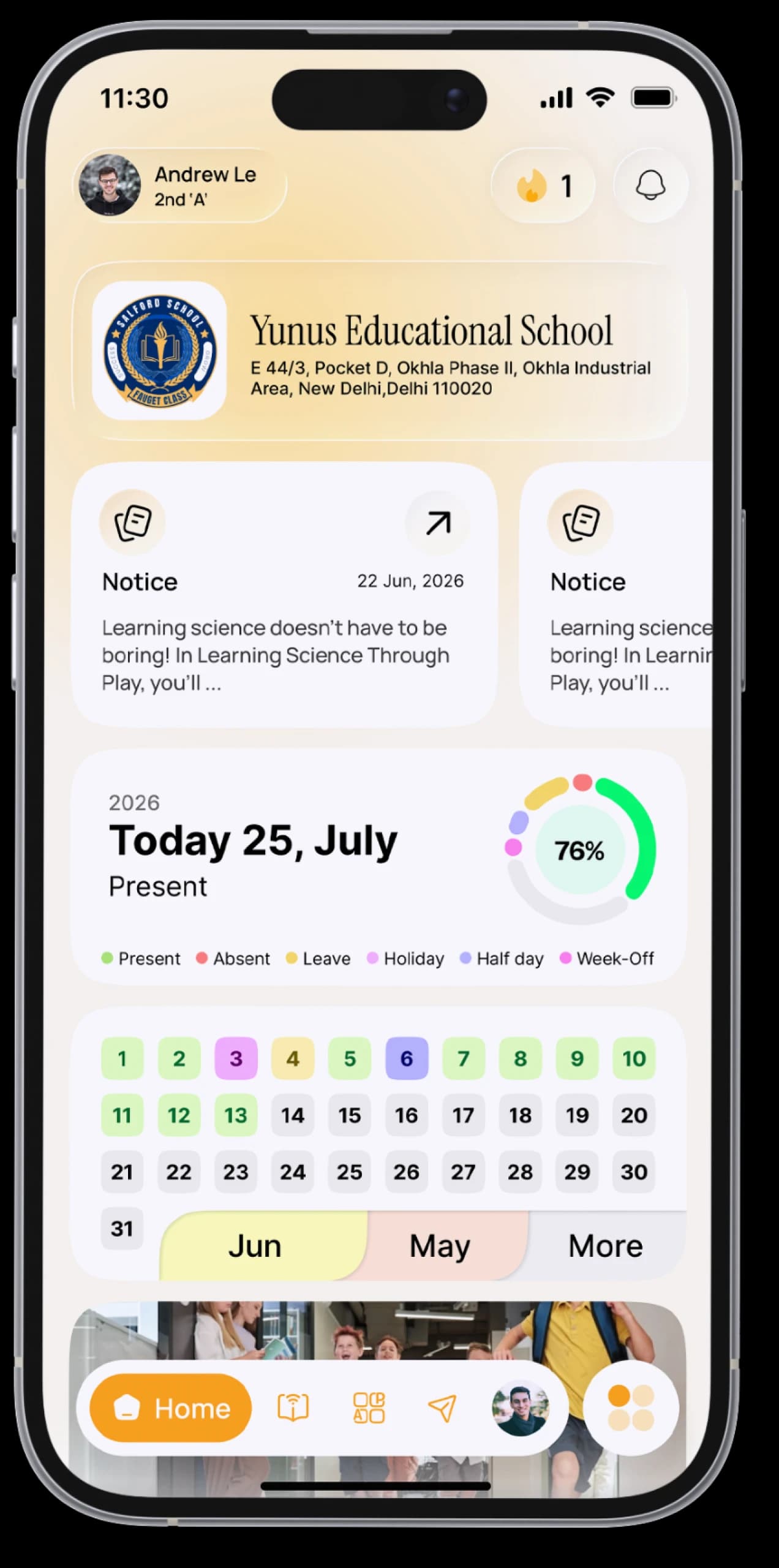
Your notes, files and photos, organised.
Keep documents in folders and photos in albums, and find the files your teachers share with you, all in SchoolAura.


The everyday problem
Notes, project files and photos from school trips pile up across chats, downloads and your camera roll. When you need them, you can't find them.
How SchoolAura helps
Document Drive keeps your files in folders, with separate views for what you've shared and what's been shared with you. Gallery does the same for photos and videos.
Made for your day.
For students
- Create folders, upload files, rename, preview and download
- See Shared with Me (such as notes from a teacher) and Shared by Me
- Share files with your teachers, and with classmatesPrime
- Create photo and video albums, then upload, view, download and share
For parents
- Keep each child's documents in one place
Simple, step by step.
- 01
Open Document Drive or Gallery from the menu.
- 02
Create a folder or an album.
- 03
Upload your files, photos or videos.
- 04
Tap Share to send something to a teacher, or to a classmate with Prime.
Small things, big difference.

Everything in one place
Sorted your way.
Your teachers' files
Without hunting through chats.
Share in a tap
With teachers and classmates.
More ways SchoolAura helps.






Give your school files a home.
Download SchoolAura and log in with the details your school shared.