Know what's due, and what's next.
See the homework, class work and worksheets your teachers post, complete with their files, and the chapters planned for every subject.



The everyday problem
You were absent, or you didn't write it down, or the photo of the board came out blurry. Now it's 9 pm and you're asking around.
How SchoolAura helps
When your teacher posts work, it appears in your app, organised by date and subject, with the teacher's own attachments. The syllabus shows each subject's chapters, who teaches them and when they're planned.
Made for your day.
For students
- Browse Home Work, Class Work and Worksheets by date and subject
- Open any task to read the instructions and view or download your teacher's files
- Open the syllabus for any subject to see its chapters, topics, teacher and planned dates
- Message your teacher if something isn't clear
For parents
- See each child's homework and class work
- Look through the term's syllabus to know what's coming up
Simple, step by step.
- 01
Open Home Work, Class Work or Worksheet from the menu, or tap the homework card on Home.
- 02
Pick a date or a subject.
- 03
Tap a task to see the details and open its attachments.
- 04
For the bigger picture, open Syllabus and choose a subject.
Small things, big difference.

Never miss work
Everything your teacher posted, in one list.
The teacher's own files
No more blurry photos.
See the term ahead
Chapters and dates for every subject.
More ways SchoolAura helps.


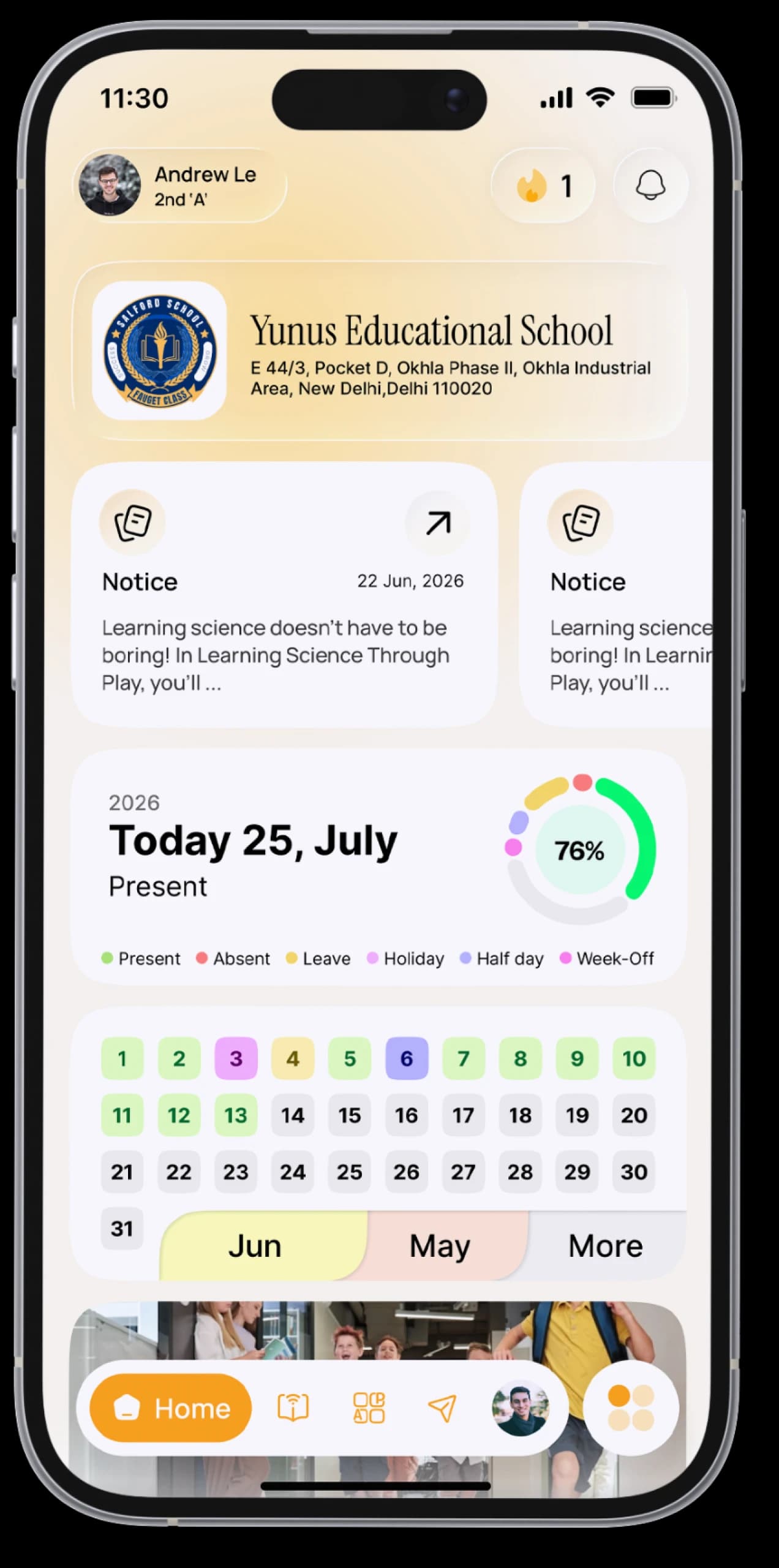
Your Day at a Glance
Today's subjects, homework, notices and birthdays on one Home screen, arranged your way.
Learn more

Messages
Message your teachers, and chat and study with classmates and groups.
Learn more

Exams & Results
See your exam schedule, download your admit card, and view your results as soon as your school publishes them.
Learn moreTonight's homework is already in the app.
Download SchoolAura and log in with the details your school shared.