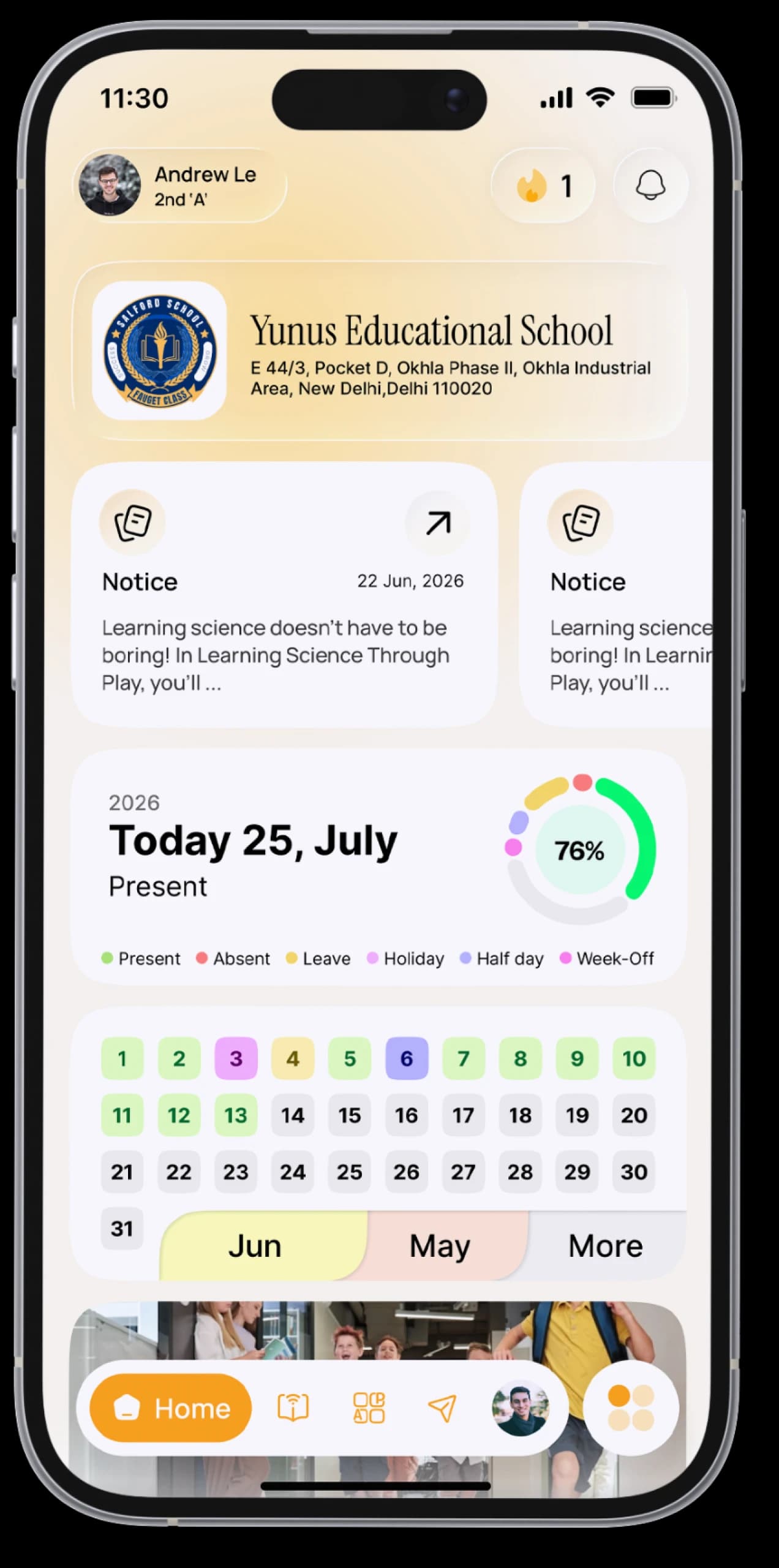
Exam day, handled.
See your exam schedule, download your admit card, and view your results as soon as your school publishes them.


The everyday problem
The date sheet was handed out weeks ago and is now somewhere at the bottom of your bag. The admit card has to be collected, kept safe and remembered on the day.
How SchoolAura helps
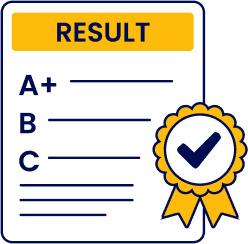
Your date sheet, admit card and results live in the app, ready to view, download or print, laid out just the way your school prepares them.
Made for your day.
For students
- See every exam on your date sheet, with its papers and dates
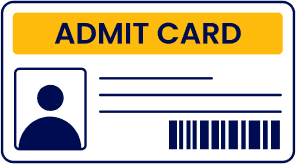
- View, download or print your admit card
- Browse your results year by year
- Open and download your score card for every exam
- Prepare with practice examsPrime
For parents
- Keep each child's date sheet handy, and print the admit card at home
- See results the moment they're published
Simple, step by step.
- 01
Open Date Sheet from the menu.
- 02
Pick an exam to see its schedule.
- 03
Switch to the Admit Card tab to view, download or print it.
- 04
After results are out, open Result and choose the academic year.
Small things, big difference.
Nothing to lose
Your admit card is always on your phone.
Plan your revision
The full schedule, always in view.
Results in one place
Every year, every exam.
Good to know
Exam schedules, admit cards and results are published by your school.More ways SchoolAura helps.


Practice Exams
PrimeTimed tests by category and subject, with instant results and an answer review.
Learn more

Homework & Syllabus
Homework, class work and worksheets with your teacher's files, plus every subject's chapters for the term.
Learn more

Notices & Notifications
Every circular on your Notice Board, every update in your notifications.
Learn moreWalk into exam day prepared.
Download SchoolAura and log in with the details your school shared.