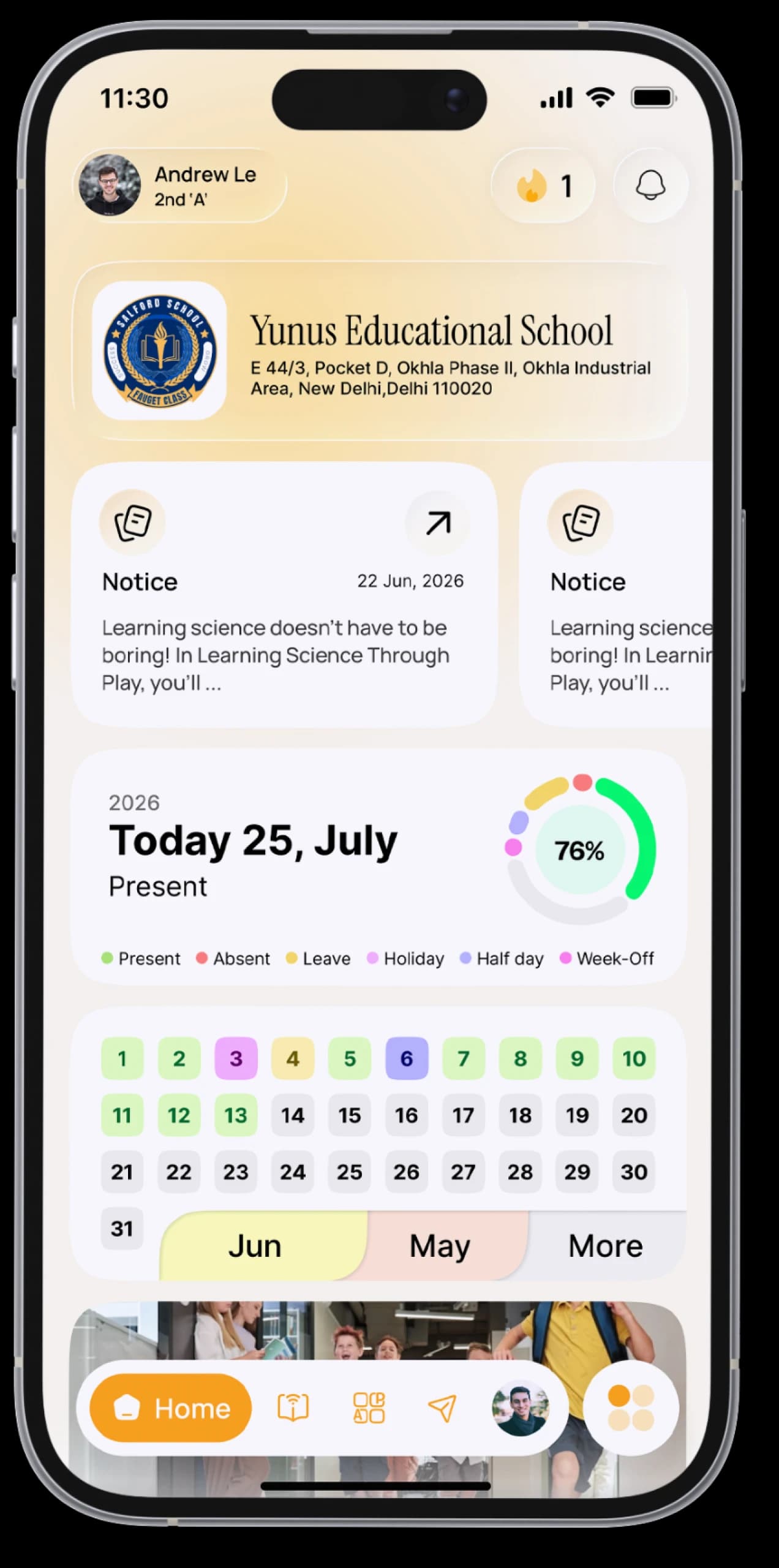
Your attendance, always in view.
See your attendance month by month, exactly as your school marks it, and apply for leave straight from your phone.


The everyday problem
You don't know how many days you've missed until the school tells you. Asking for leave means writing a note, finding a parent's signature and remembering to hand it in.
How SchoolAura helps
A colour-coded calendar shows every school day: present, absent, leave, half day or holiday. Leave requests go to your school from the app, and you'll see the moment they're approved.
Made for your day.
For students
- Check today's attendance status
- Browse a colour-coded monthly calendar with the month's totals
- Apply for leave with a reason, dates and a supporting document
- Track every request as Pending, Approved or Rejected
- See how many leaves you've taken this month and this year
For parents
- Check each child's attendance whenever you like
- Apply for leave on your child's behalf and attach a medical note or other document
Simple, step by step.
- 01
Tap the Attendance tab.
- 02
Swipe between months to see your record.
- 03
To ask for leave, open Leave Application and tap Apply.
- 04
Add the reason and dates, attach a document if needed, and send.
- 05
Check back for your school's decision.
Small things, big difference.
Know your record
No surprises at the end of term.
Leave without paperwork
Request, attach and track it in one place.
Parents see it too
One record, shared with family.
Good to know
Something looks wrong in your attendance? Please contact your school. They manage your attendance record.More ways SchoolAura helps.

Your Day at a Glance
Today's subjects, homework, notices and birthdays on one Home screen, arranged your way.
Learn more

For Parents
Log in with your mobile number and switch between your children, even if they're at different schools.
Learn more

Notices & Notifications
Every circular on your Notice Board, every update in your notifications.
Learn moreYour record, in your pocket.
Download SchoolAura and log in with the details your school shared.