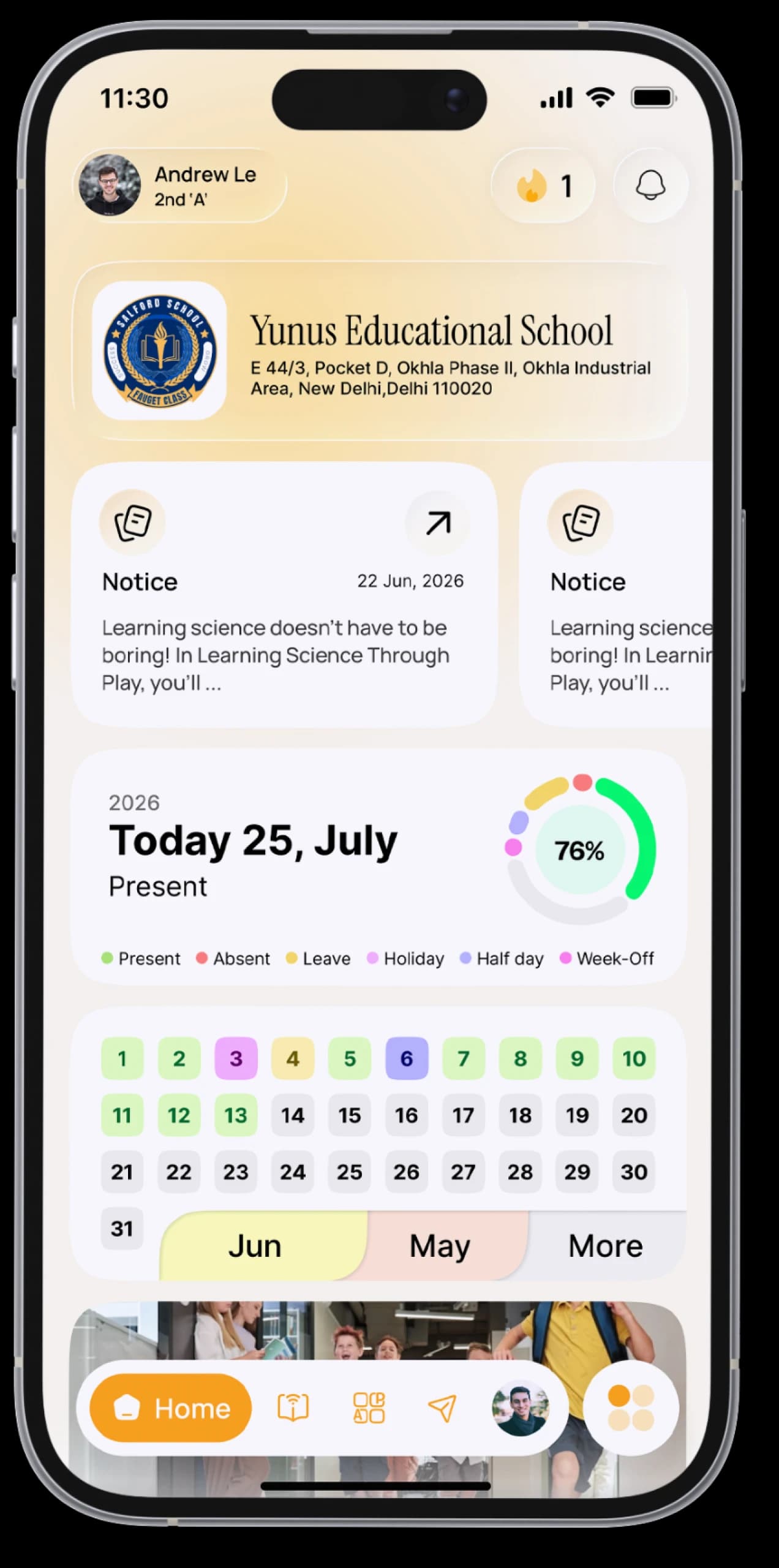
School fees, without the queue.
Check your child's fee dues, see the full breakdown, keep every receipt, and pay online when your school offers it.



The everyday problem
You're not sure what's due this month, whether last term's balance was cleared, or where last year's receipt went.
How SchoolAura helps
The Fees section shows your child's fees by session and month, including previous dues, discounts and fines. Every receipt is saved in the app, and when your school has turned on online payment, you can pay from the same screen.
Made for your day.
For parents
- See dues by session and month, including previous-year dues, discounts and fines
- Check the amount due at a glance on Home
- Pay online securely through your school's payment gateway, where your school offers it
- See your payment history and open any receipt
- Print receipts whenever you need them
Simple, step by step.
- 01
Tap the Fee card on Home, or open Fees from the menu.
- 02
Review what's due, month by month.
- 03
Select what you'd like to pay, check the bill and tap Pay (where your school offers online payment).
- 04
Open Fee History to view or print any receipt.
Small things, big difference.

Clear dues
No guessing what's pending.
Every receipt saved
Print whenever you need.
Pay from home
Where your school allows it.
Good to know
Online payment is set up by each school, and payments go directly to your school. Fee amounts, refunds and receipts are managed by your school.More ways SchoolAura helps.


For Parents
Log in with your mobile number and switch between your children, even if they're at different schools.
Learn more

Notices & Notifications
Every circular on your Notice Board, every update in your notifications.
Learn more

Transport
Your bus, route, stop and timings, plus one tap to call or WhatsApp the driver.
Learn moreFees, sorted from your phone.
Download SchoolAura and log in with the details your school shared.