Know your school bus.
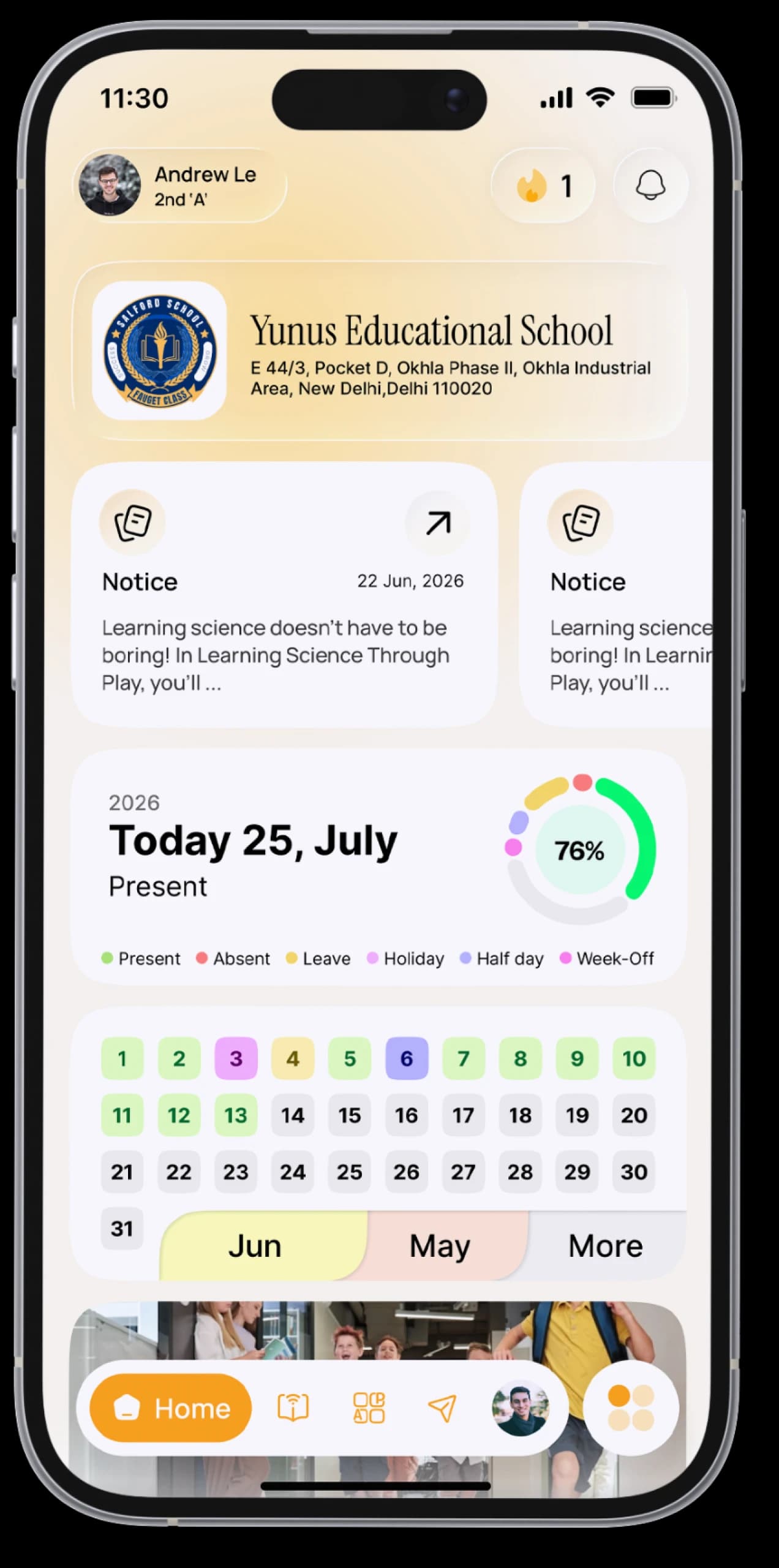
If you travel by school transport, SchoolAura shows your bus, route, stop and timings, lets you track the bus live while the trip is running, and puts the driver one tap away.


Live
Follow the bus on a map while the driver shares its location
1 tap
Call or WhatsApp the driver or conductor
Your stop
Your stop is marked in the list of route stops
km/h
See the bus's speed and when its location last updated
The everyday problem
The bus is running late and you don't have the driver's number. You're not sure which stop or pickup time is yours this term.
How SchoolAura helps
Your transport details come straight from your school: vehicle, route, stop, pickup and drop times, with the driver and conductor just one tap away.
Everything in one place.
Your bus details
See your vehicle's name and number, its route, your stop point, and your pickup and drop times.
Reach the driver or conductor
Their names and numbers are on the card, with buttons to call or WhatsApp them in one tap.
Track the bus live
When the trip is running and the driver is sharing the location, tap Track Live to watch the bus move on a map.
Every stop on the route
Open Route stops to see each stop with its pickup or drop time. Your stop is marked, and stops the bus has passed get a tick.
Know how fresh the location is
The map shows the bus's speed and when it last updated. If the signal drops, you'll see the last time it was seen.
Made for your day.
For students
- See your vehicle number, route and stop
- Check your pickup and drop times
- Tap Track Live to follow the bus on a map while the driver is sharing its location
- Open Route stops to see every stop and its time, with your stop marked and passed stops ticked
For parents
- Call or WhatsApp the driver or conductor directly from the app
Simple, step by step.
- 1
Open Transport from the menu.
- 2
See your vehicle, route, stop and timings.
- 3
When the trip is running, tap Track Live to see the bus on the map.
- 4
Tap the call or WhatsApp icon to reach the driver or conductor.
Right where you'd look.
Transport is built into the SchoolAura app. Here's where you'll find it.
In the app
Menu → Transport
Your vehicle, route, stop, timings, and the driver and conductor's contact buttons.
In the app
Transport → Track Live
A live map of the bus, with its speed, route stops and recent activity.
Small things, big difference.
The right details
Straight from your school.
One tap to the driver
When it matters most.
No more guessing
About stops and timings.
Questions, answered.
Good to know
Transport details appear when your school provides transport and has added your route.More ways SchoolAura helps.


For Parents
Log in with your mobile number and switch between your children, even if they're at different schools.
Learn more

Notices & Notifications
Every circular on your Notice Board, every update in your notifications.
Learn more

Your Day at a Glance
Today's subjects, homework, notices and birthdays on one Home screen, arranged your way.
Learn moreYour bus details, always with you.
Download SchoolAura and log in with the details your school shared.